Movement · Particles · Interaction
BeAnArtiste
Loading portraits and landscapes…
BeAnArtiste
BeAnArtiste is an interactive installation in which visitors literally become portraits.
Created and exhibited for PdN#8 at the Bibliothèque municipale de Lyon (BmL), this digital work by Olivier Delporte was conceived for the event. The inclusion of the artist Simon Leroux among the portraits echoes his invitation to the BmL on that occasion.
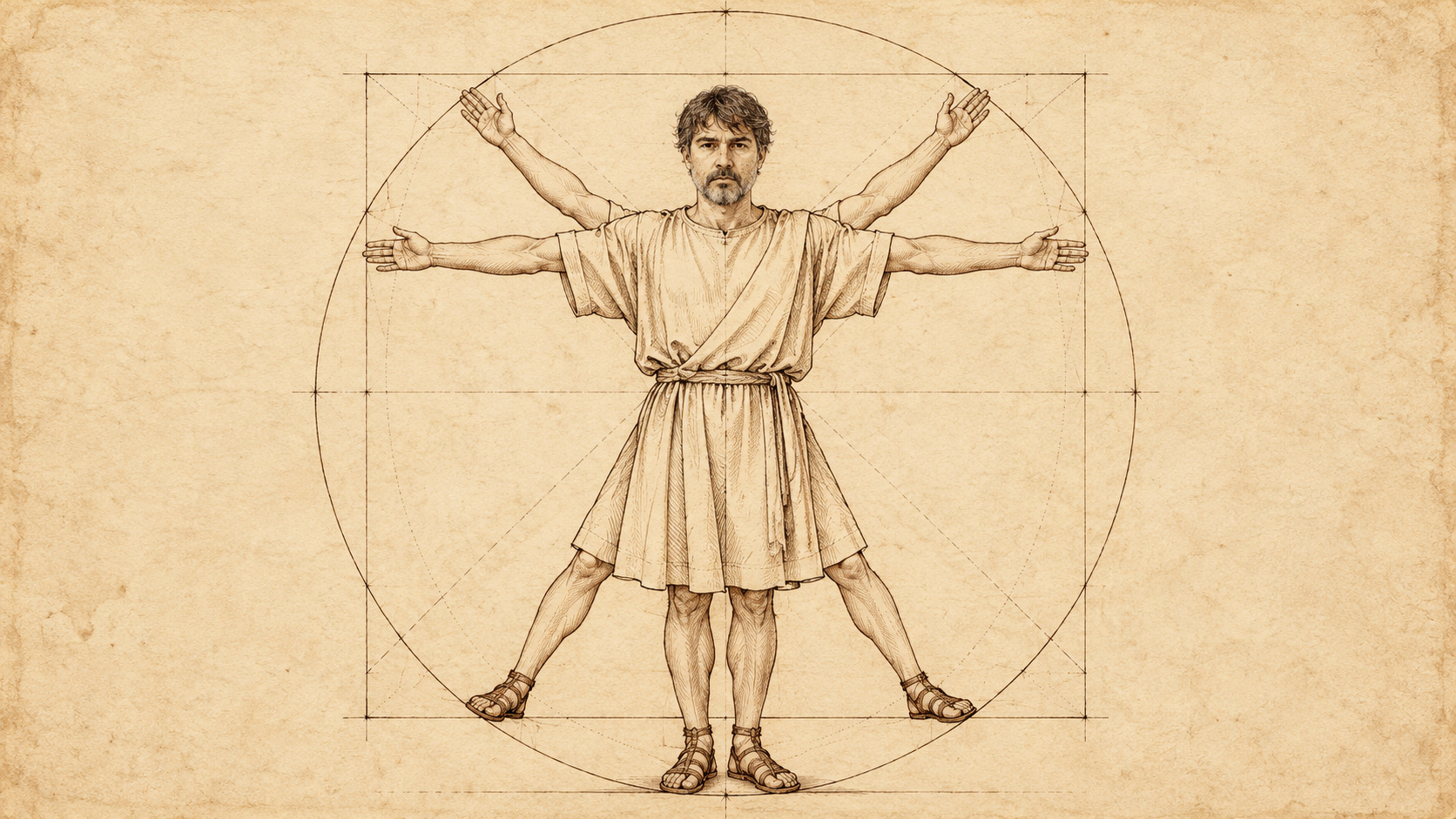
Facing the camera, a simple glance triggers a metamorphosis: the detected face gradually fades away to reveal that of an artist, randomly selected from a collection of images. At the same time, the space transforms: the background shifts to an associated landscape, as though this borrowed identity opened up a new scene, another visual world.
The oval mask and subtle fade seek ambiguity rather than spectacle: more than replacing a face, they blur the boundary between the self and art history, between presence and representation. Each appearance creates a new combination — a living, unstable collage in which visitors become a work that is endlessly beginning again.
Here, the algorithm is more than an invisible tool: it is a curator. It composes, associates and replays the collective memory of images. And it asks a simple, direct question: what gives a face its identity when it can be reassigned in real time?
How to use the installation
Enable the webcam and face it in a well-lit room. If several faces are present, the largest in the image is tracked. Leave the frame briefly and return to obtain a new combination, or use “Change portrait and landscape”.
Camera visibility lets you recreate the overlay of the original sketch. You can also hide it and keep only the portrait against the landscape. The settings let you adjust the portrait’s opacity and size. “Full screen” enlarges the installation.
Your webcam video is neither streamed live on the Internet nor recorded. Images are processed locally on your device without being transmitted to a server. The microphone is not used. Selecting “Stop” or leaving the tab turns off the camera.
The webcam requires your permission. Use HTTPS or localhost for reliable access; opening the file by double-clicking depends on the browser. An Internet connection loads the MediaPipe face-detection engine and fonts. Loading these resources does not send your webcam images.
Click “How to use the installation” again to return to the introduction to the work.