Experiment · Image · Time
Anamorphosis
Enable the camera to enter the work.
Anamorphosis
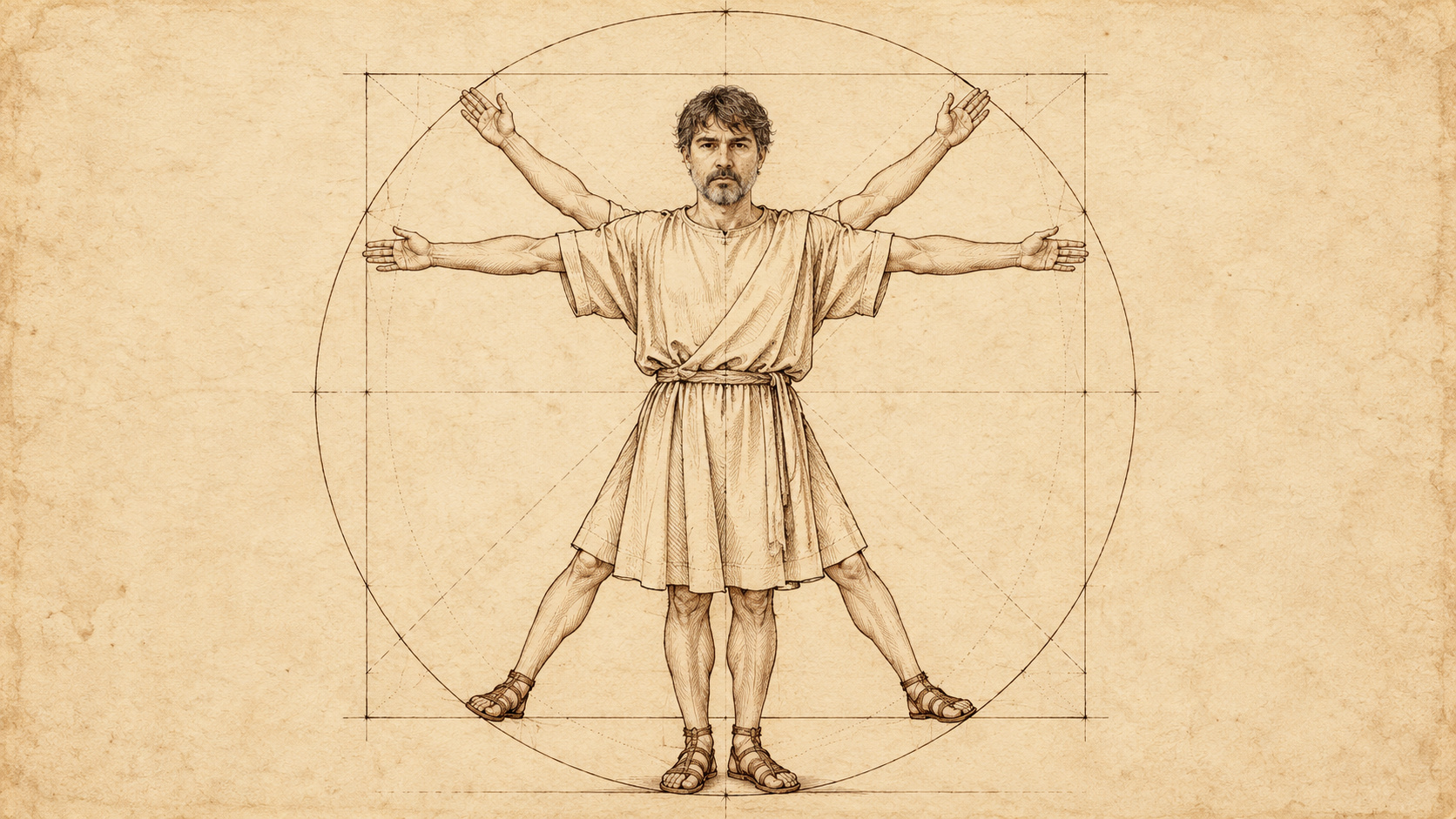
Here, the mirror becomes temporal. The webcam captures the body in motion; successive images — video frames — are broken apart, then brought together with different delays. Several moments coexist on a single surface. The body stretches, fragments and loses the rigidity our gaze attributes to it. Translucent colours pass through this presence; at each edge of the image, a brief light accompanies the reversal of the scan.
In relation to the light received by the retina and the image constructed by our perception, this experience proposes another way of seeing. It does not reproduce how the eye works: it questions the apparent certainty of what we think we recognise. If a few shifts in time are enough to transform a familiar body, how much trust can we place in an image that claims to bear witness to it?
We can make images say whatever we want. What, then, of what we call reality? Are we present as we see ourselves? Is the body this stable form before us, or a presence whose contours perception continually shifts? Anamorphosis opens these questions as a metaphysical space, without claiming to resolve them. Pressing the Space bar interrupts the flow: the viewer suspends their own reflection.
Anamorphose — Anamorphosis. The Larousse dictionary defines the optical term as a distorted image of an object produced by certain optical systems, particularly curved mirrors. Larousse, “anamorphose” entry (French).
Usage and privacy
Enable the camera, then slowly move your face, hands or body. Each line of the image comes from a different moment: movement stretches and distorts the body through time. Each pass takes 15 seconds from top to bottom, then 15 seconds from bottom to top, excluding pauses. The scan reverses at the edges of the frame, with no visible line. A gentle flash accompanies each reversal. A highly transparent veil alternates varied, muted hues, grey and black in an irregular order. Only one tint covers the image at a time, with no coloured bands or rainbow gradient.
Click the image, then press the Space bar to freeze the image, colours and scan. Press Space again to resume.
Colour pulses and flashes are disabled at startup if your device requests reduced motion. The scan continues in both directions even without flashes.
The camera is activated only with your permission. Images are processed on your device, without being sent to a server or recorded. The microphone is not used. Temporary image memory is released when you select “Stop” or leave the tab.
The webcam and effect do not load any recognition models. An Internet connection is still needed for remote fonts. The site must use HTTPS or localhost for reliable webcam access. Opening the HTML file by double-clicking depends on your browser’s permissions.
About recording formats
The recording and snapshot buttons have been removed from this version. No file is created. The following note is retained for reference and describes features of the previous version:
Video is recorded without sound, in WebM or MP4 depending on the browser, for a maximum of 2 minutes per take. Snapshots are saved as PNG files.
Click “Usage and privacy” again to return to the introduction to the work.